



Full View
Podobné položky
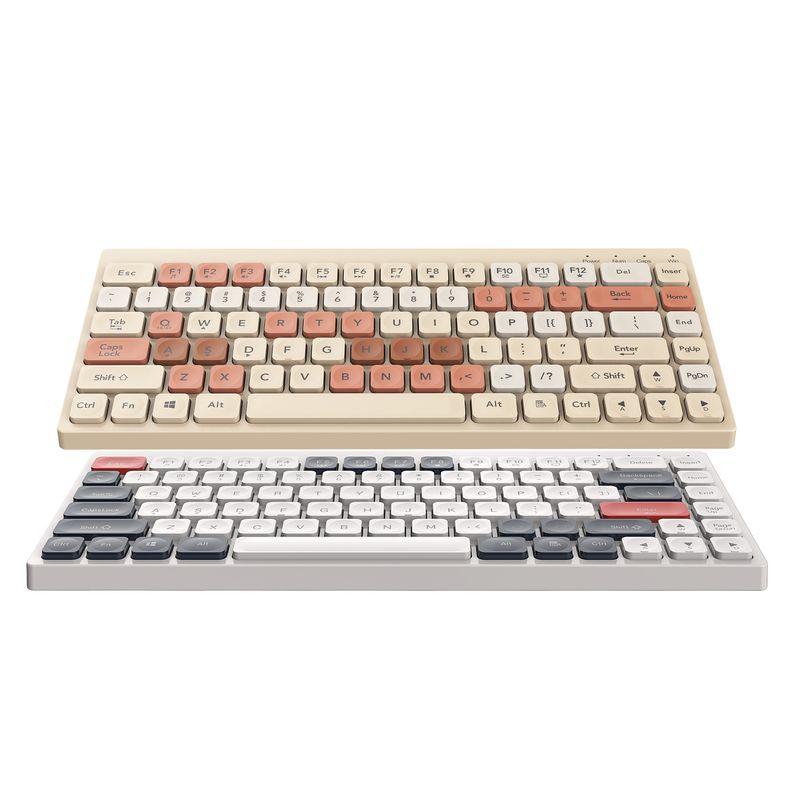
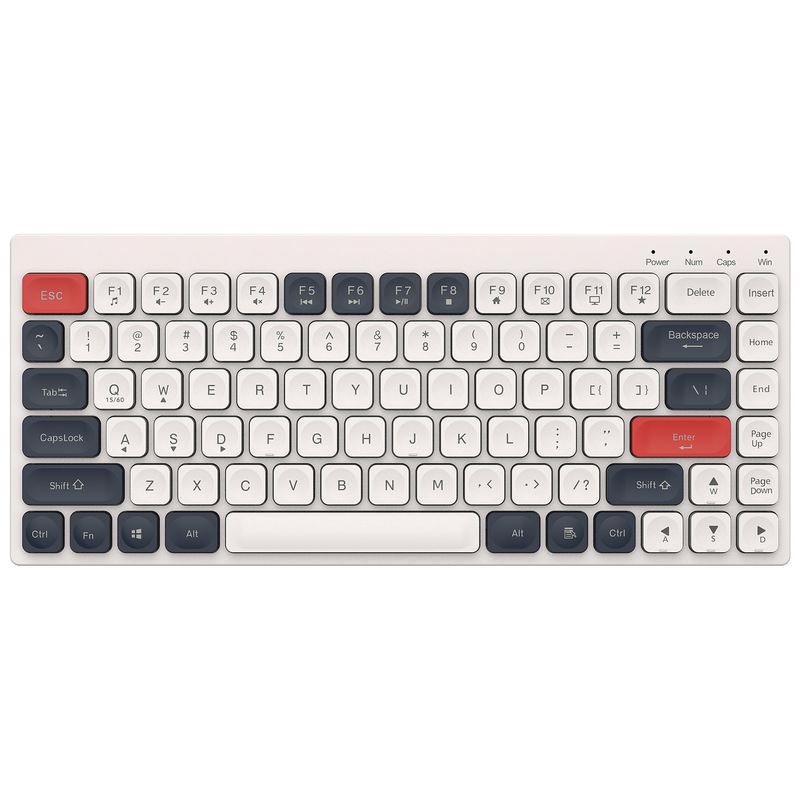
New 2.4G Wireless Bluetooth The Third Mock Examination Rechargeable Tablet Notebook Mini Film Keyboard Desktop Computer Cross-border Spot
€46.38€74.04
farba : BT100-2.4G+Bluetooth the third mock examination - white blue


Množstvo :
 Customer Service
správa
Zahrňte porušenie autorských právŠtandardná doprava zadarmo. Pozrite si podrobnosti
Odhaduje sa medzi Thu, Jan 1 a Mon, Jan 5
Tovar môžete vrátiť do 30 dní od prevzatia. Pozrite si podrobnosti
Nakupujte s dôverou

Záruka vrátenia peňazí
Získajte späť objednaný tovar alebo peniaze. Zistite viac
About this item
Získané z Celeritas Tech
Seller assumes all responsibility for this listing.Číslo položky: 30245291
Item specifics
Vlastnosti
Rgb, Single Light, Mixed Light, Matt
Os
Červená os, zelená os, čierna os, os čaju
Numerická klávesnica
Áno nie
Pripojenie
Bezdrôtové, káblové, bluetooth
Veľkosť
<100 mm, 100 mm – 120 mm, 121 mm – 130 mm
Item description from the seller
Keyboard Parameters:
Working mode: 2.4G+BT5.0/3.0 Bluetooth Wireless
Operating frequency: 2408- 2474mHz
Working voltage: 3.7V .
Machine current:≤10mA
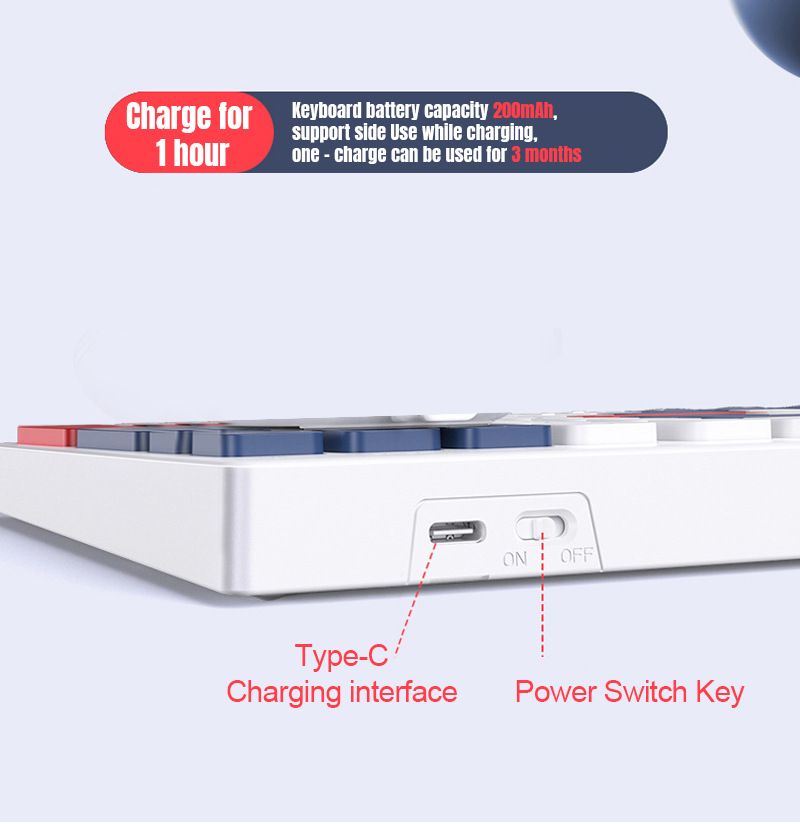
Interface type: Rechargeable Type-C
Transmission distance: 10m
Charging time: 2-3 hours
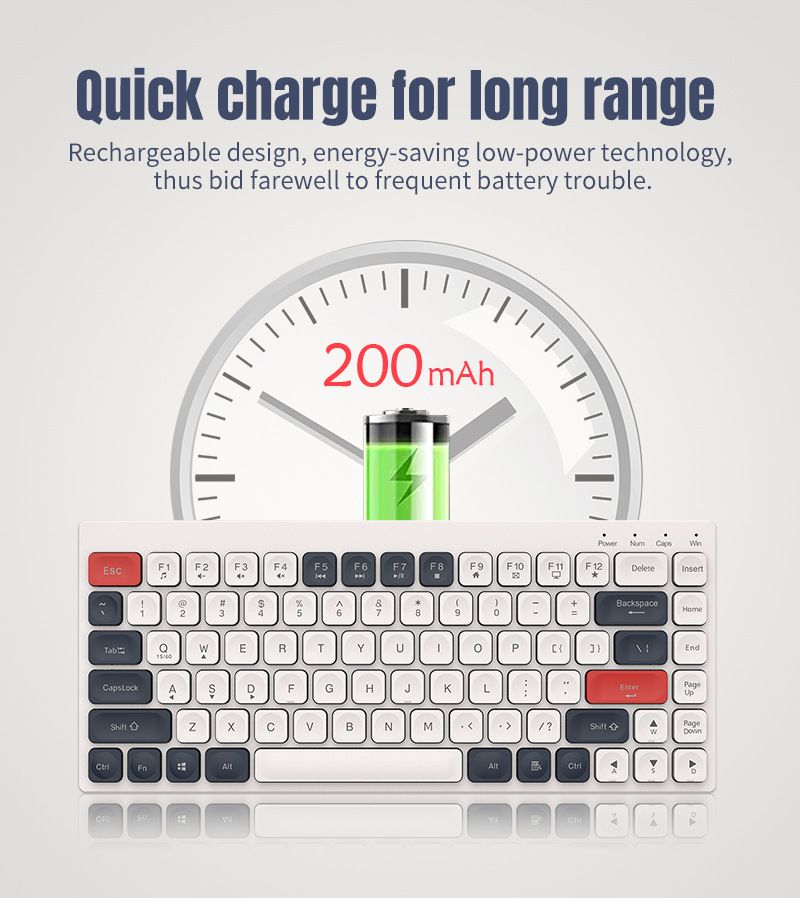
Battery capacity: 200mA
Number of keys:84 keys
Key life: 50000000 cycles Max
Keyboard size: 389.8*132.2*21.5mm
Keyboard monomer weight (g):371±5g
Package size: 335 * 167 * 31mm
Package weight: 580g
Package included:
1x 2.4G+BT3.0/5.0 85Keys Wireless keyboard
1x English User manual
1x TYPE-C Charging cable
Support operating system: PC Win2000/Win XP/WINME/Vista/Win7/
Operating systems such as Win8/Android/Linux/Apple.
FN
+
key combination function:
FN+1=MediaFN+2=VolumeFN+3=Volume+
FN+4=MuteFN+5=Prev TrackFN+6=Next Track
FN+7=Play/PauseFN+8=StopFN+9=Home
FN+10=EmailFN+11=CalculatorFN+12=Favourite
FN+1=BT1FN+2=BT2FN+3=2.4GFN+Q=Apple
FN+W=AndroidFN+E=WindowsFN+X=SCRFN+C=PAU
Esc+Q=keyboard pairing
Instructions:
Step 1:
Insert the receiver into the computer USB port;
Step 2:
Turn on the power switch at the bottom of the keyboard, when the mouse pointer appears on the screen. Mode switching: This product has 2 bluetooth channels, press "FN+1/2" to switch the bluetooth mode,When working in bluetooth mode; press "FN+3" to switch between bluetooth and 2.4G.
TIPS:
Switch the corresponding working mode when using, (if some users use the Bluetooth mode on the mobile phone/tablet for the first time, and use it on the computer for the second time; to switch the 2.4G mode by pressing "FN+3", if He forgot to switch the receiver plugged in and it wouldn't connect.)










 4.4 z 5 na základe recenzií 7,646