


2+



Full View
Podobné položky
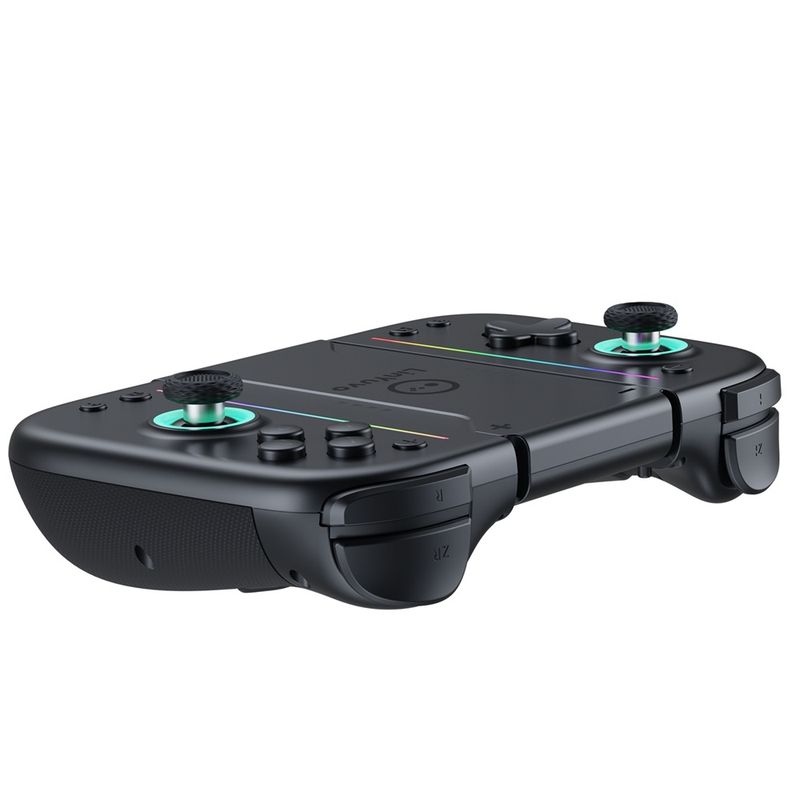
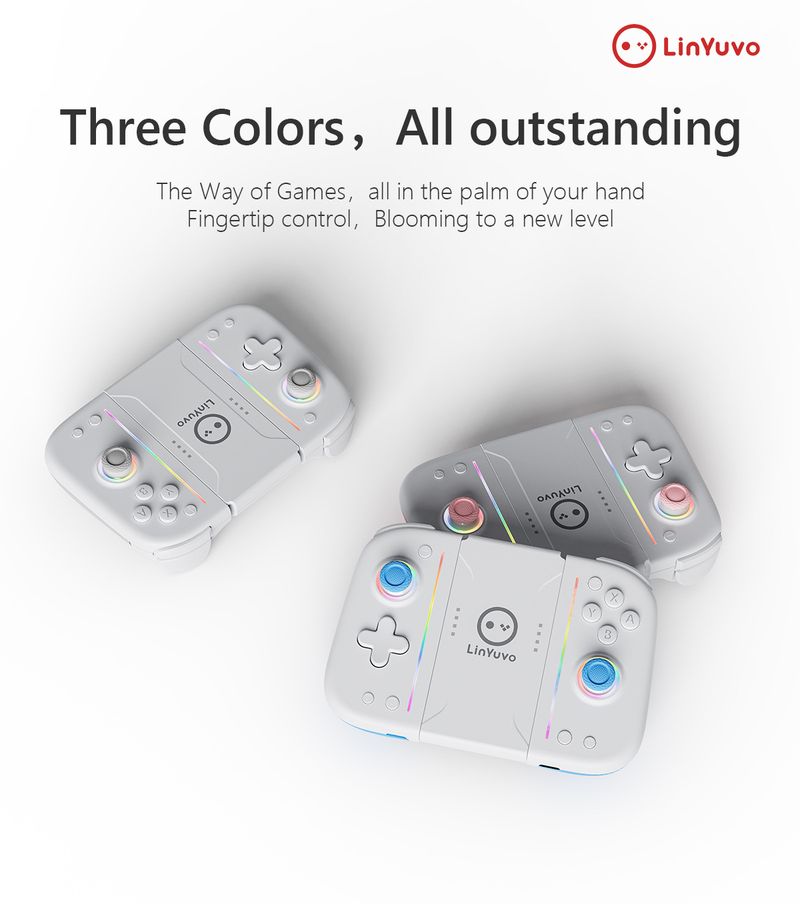
LinYuvo Switch Joy Con Mechanical Button With Adhesive Backing, Colorful Lights, Ro Function, Bluetooth Game
€71.86€95.05
Farba produktu : Biela šedá


Množstvo :
 Customer Service
správa
Zahrňte porušenie autorských právŠtandardná doprava zadarmo. Pozrite si podrobnosti
Odhaduje sa medzi Mon, Apr 6 a Sat, Apr 11
Tovar môžete vrátiť do 30 dní od prevzatia. Pozrite si podrobnosti
Nakupujte s dôverou

Záruka vrátenia peňazí
Získajte späť objednaný tovar alebo peniaze. Zistite viac
About this item
Získané z Beauty Makeup 8
Seller assumes all responsibility for this listing.Číslo položky: 32433909
Item specifics
Typ zástrčky
Žiadne, Eu zástrčka, US zástrčka
Vlastnosti batérie
Nenabíjateľná batéria
Item description from the seller
1. The handle comes with a one key continuous transmission function and three adjustable speeds;
2. The controller is equipped with a back button to achieve mapping and ro functions;
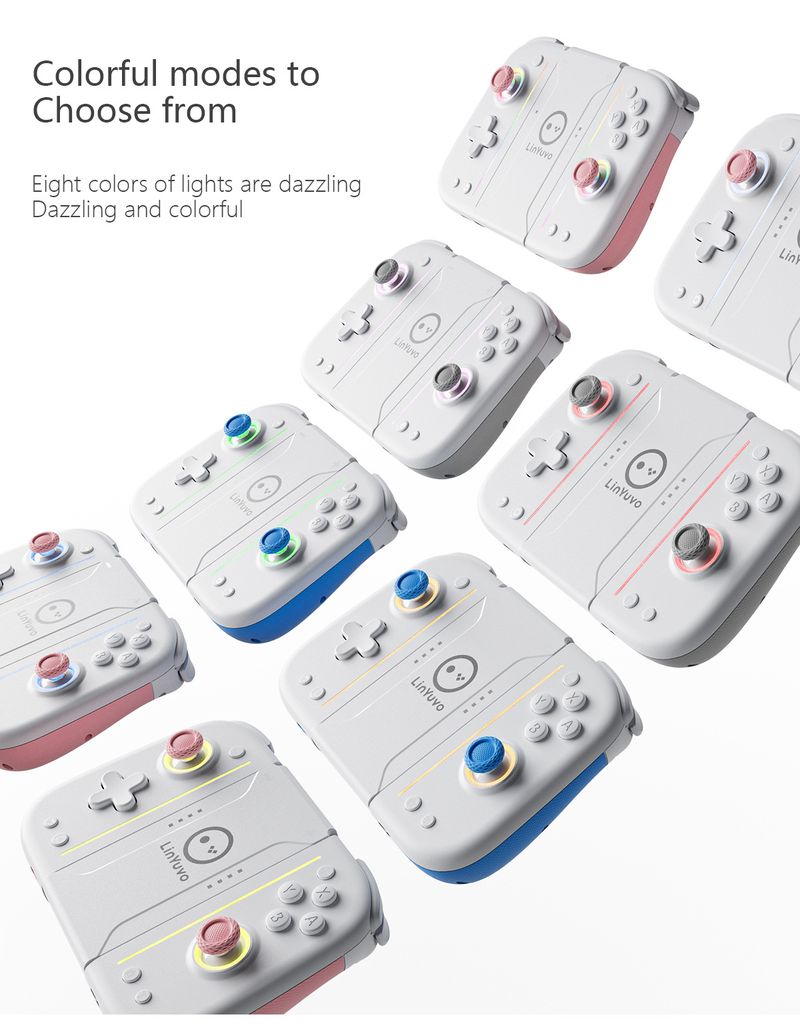
3. The handle comes with adjustable colorful RGB lighting effects, 8 colors of LED lights, 4 different lighting modes, and 4 adjustable brighess levels;
4. Equipped with one click wake-up function for the host;
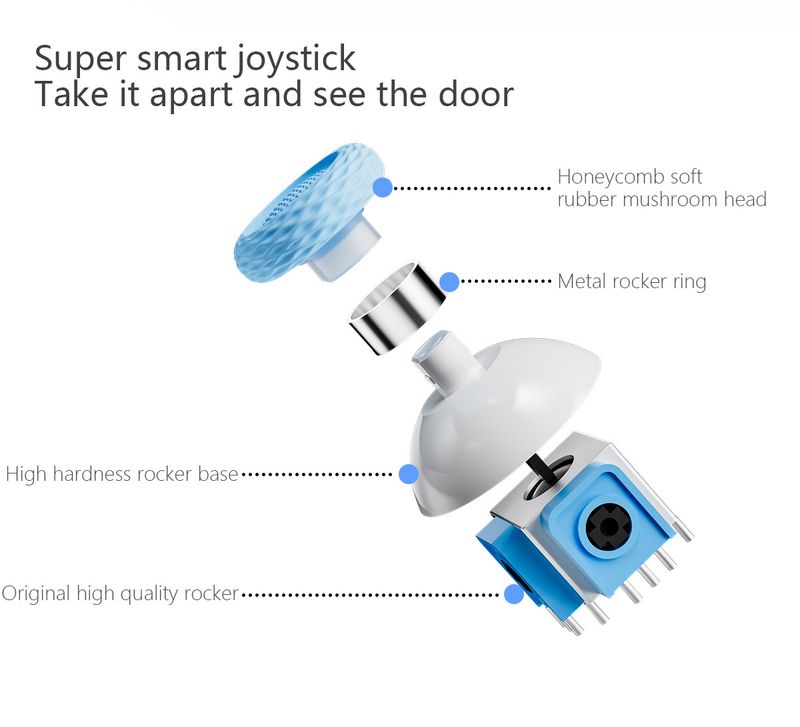
5. Upgrade the metal joystick;
6. Adjustable vibration dual motors;
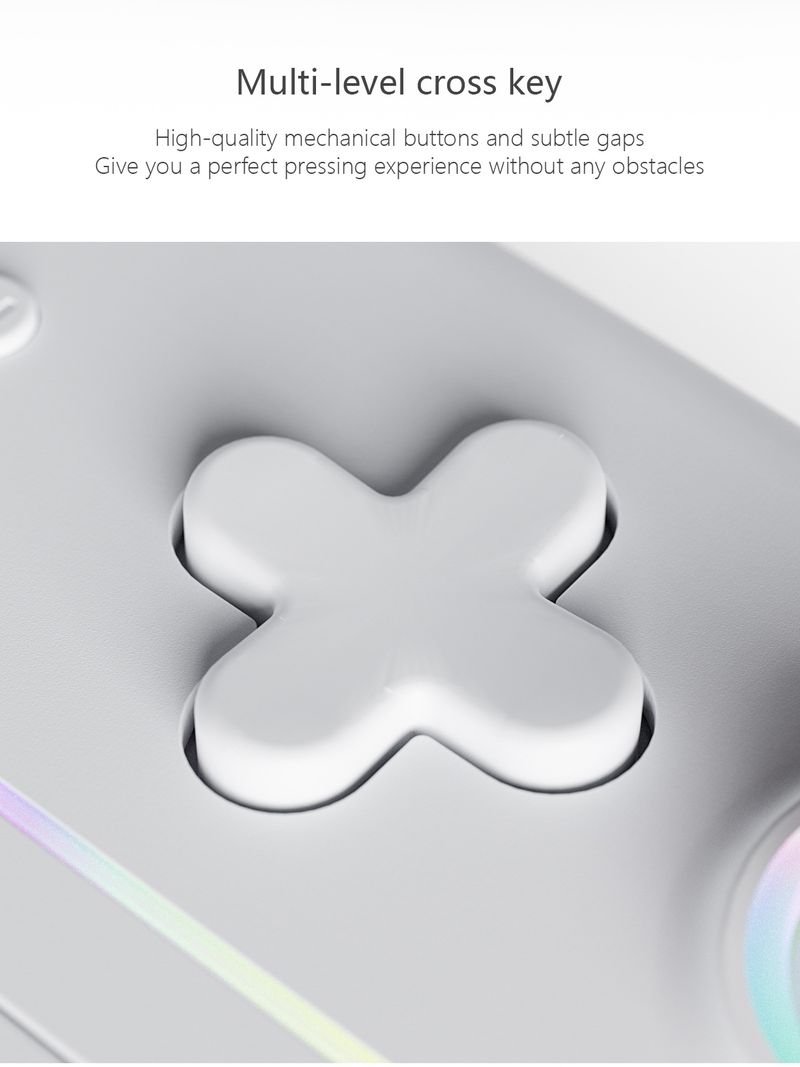
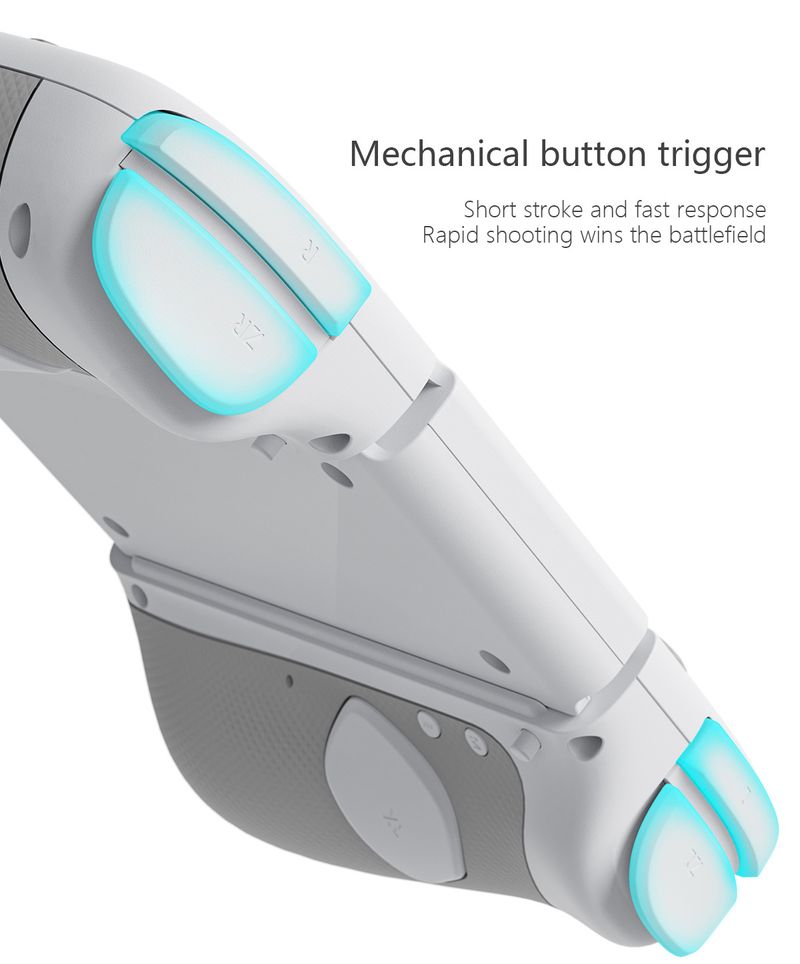
7. The handle comes with 10 mechanical buttons for a better tactile experience;
ro
Long press the right M button without releasing it, enter the button you want to edit up to 20 steps. After releasing the right M button, there will be a vibration prompt on the handle. Pressing the MR button again will trigger the ro button;
Long press the left M button without releasing it, enter the button you want to edit up to 20 steps. After releasing the left M button, there will be a vibration prompt on the handle. Pressing the ML button again will trigger the ro button.
The editable keys for ros are A, B, X, Y, L1, R1, L2, R2, L3, R3,+, -, cross keys, and two joysticks which can be used as combos in games.
Mapping function
Long press the right M button without releasing it, enter the single button you want to map. After releasing the right M button, there will be a vibration prompt on the handle. Pressing the MR button again will trigger the mapping button;
Long press the left M button without releasing it, enter the single button you want to map. After releasing the left M button, there will be a vibration prompt on the handle. Pressing the ML button again will trigger the mapping button.
The editable keys for mapping are A, B, X, Y, L1, R1, L2, R2, L3, R3,+, -, and cross keys.
Note: 1. The left M key only sets programmable keys for the left joystick;
The right M key only sets programmable keys for the right joystick.
2. Equipped with memory function;
3. Long press or short press the programming keys left M/right M to clear the ro and mapping functions of ML/MR without the need for task actions. After releasing the hand, there will be a vibration prompt.






 4.4 z 5 na základe recenzií 9,249