



Full View
Podobné položky
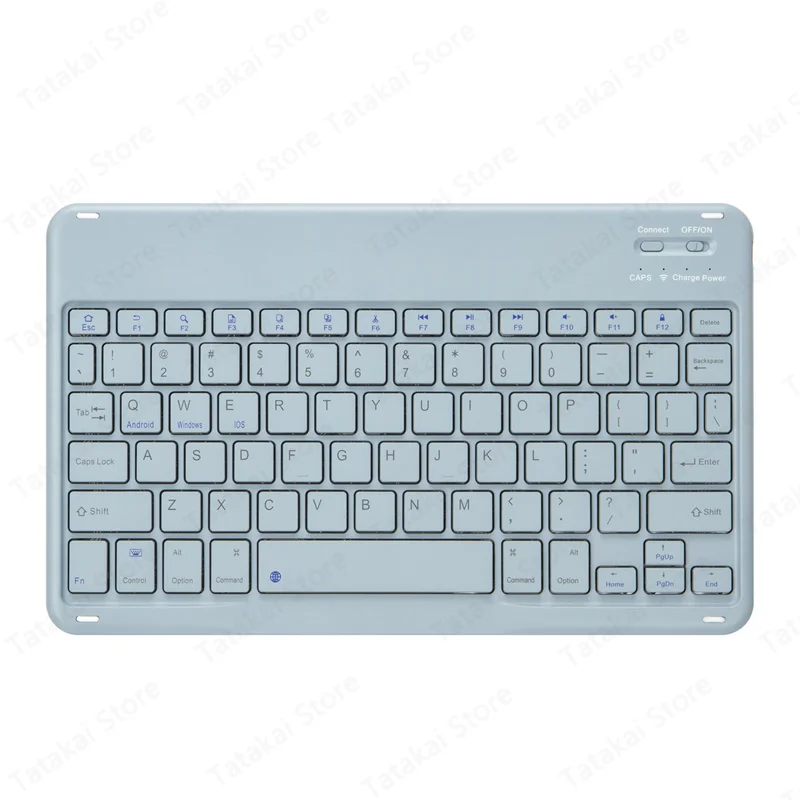
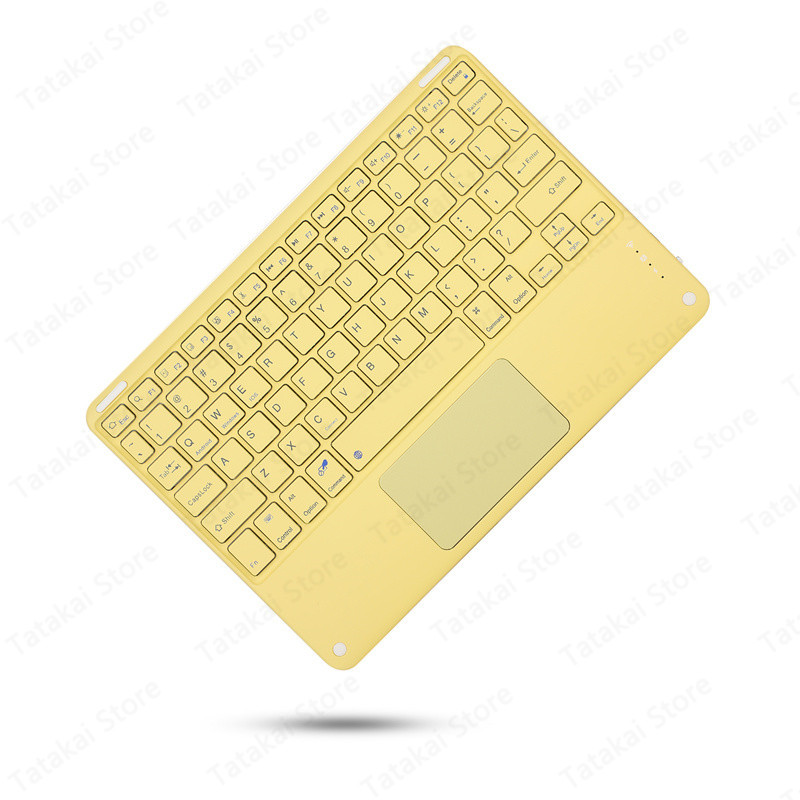
10'' TouchPad for iPad Keyboards Teclado Mi Pad 5 Wirelesss Tablet Keyboard Rechargeable
€33.03€50.99
Farebné : hmlistá modrá
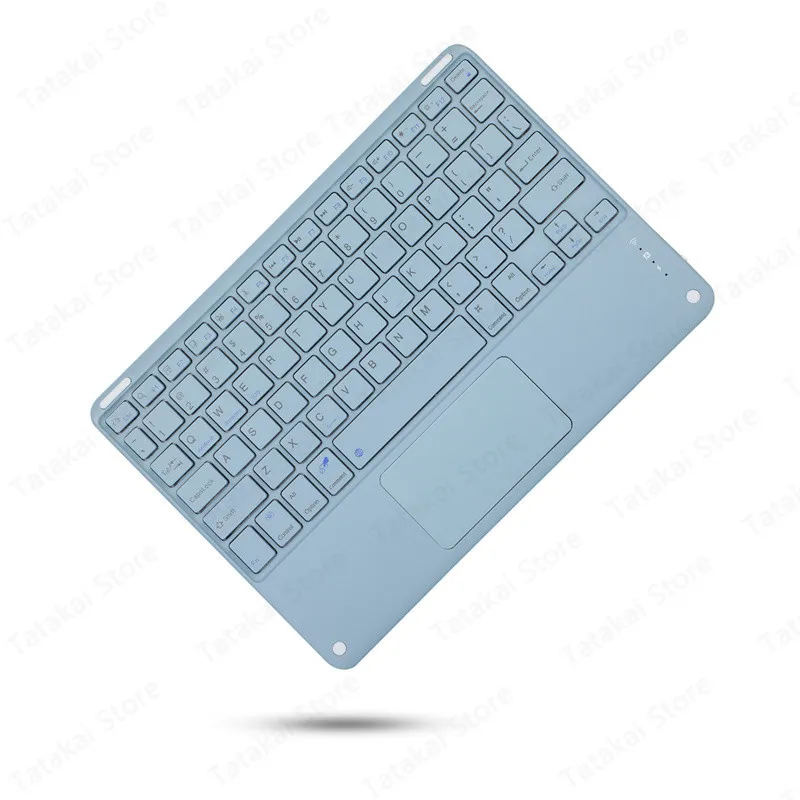
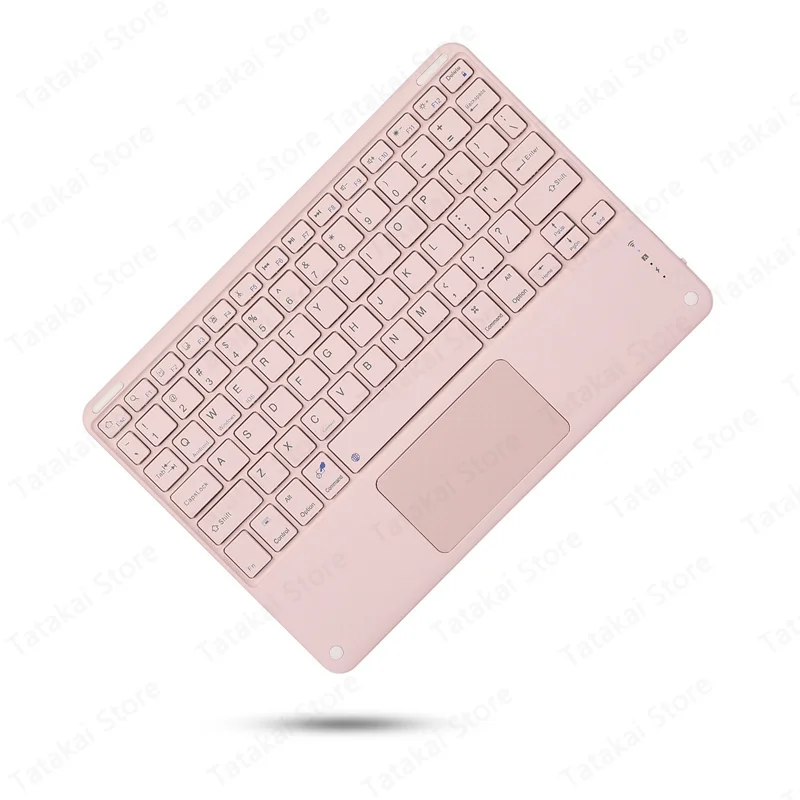
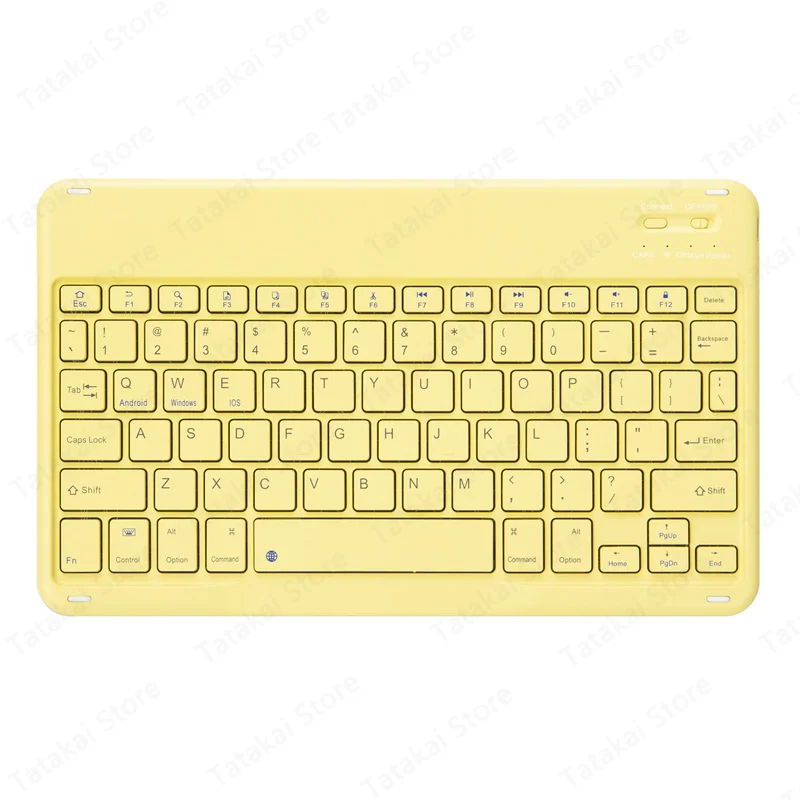


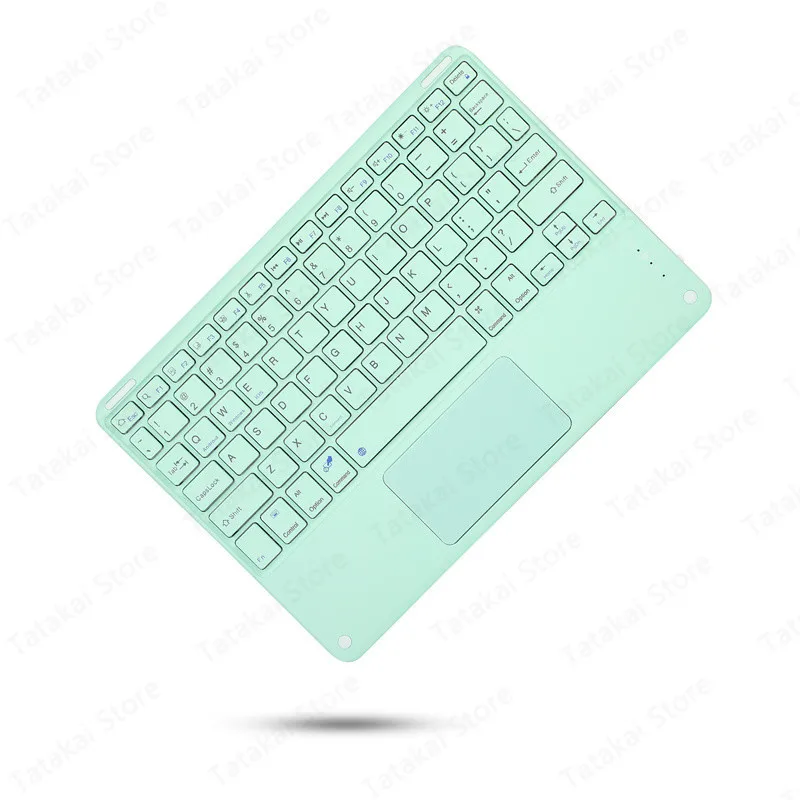

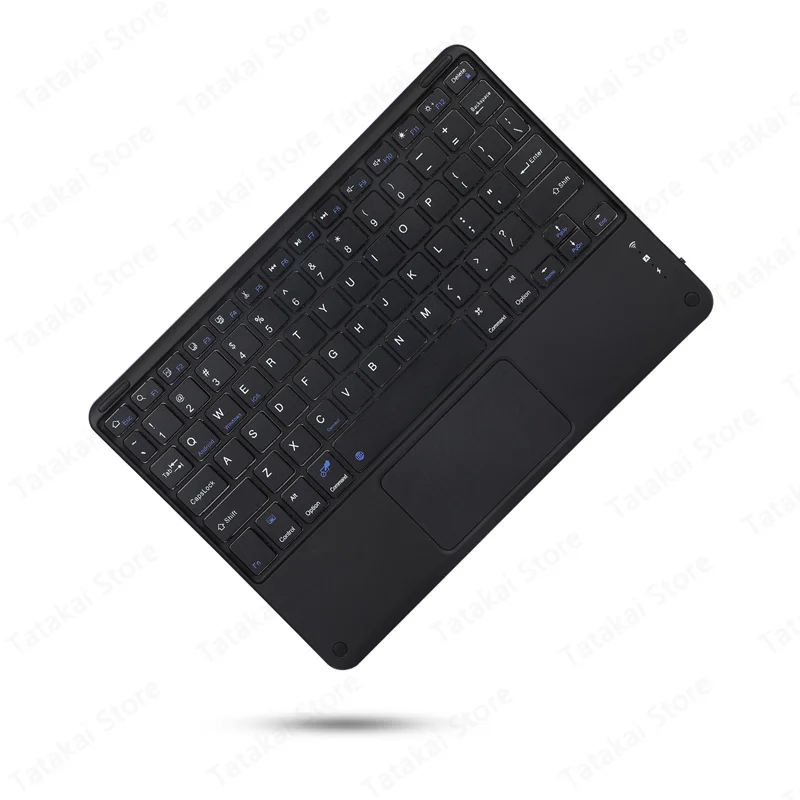
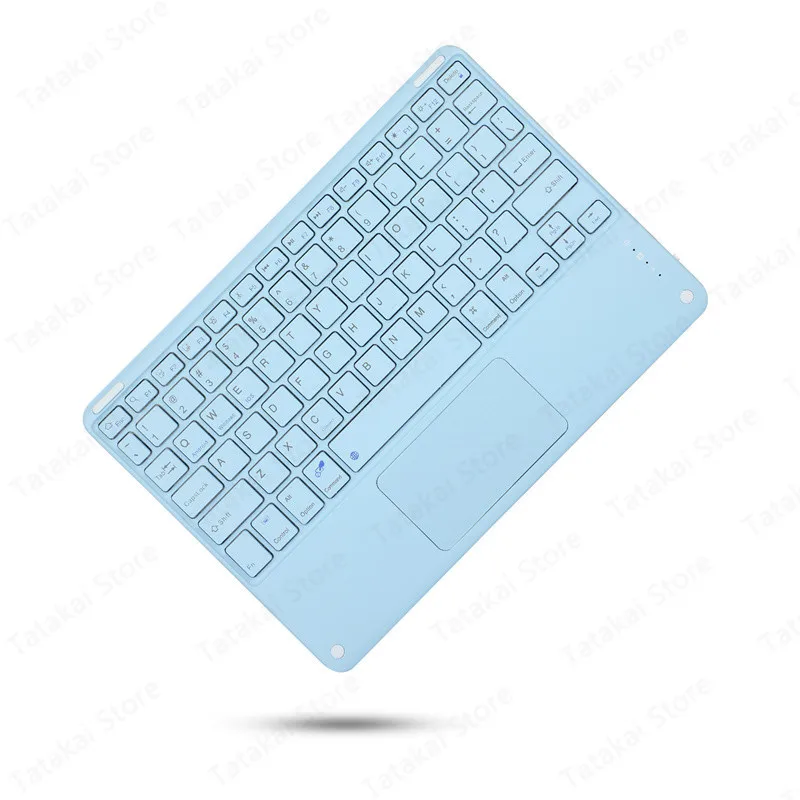
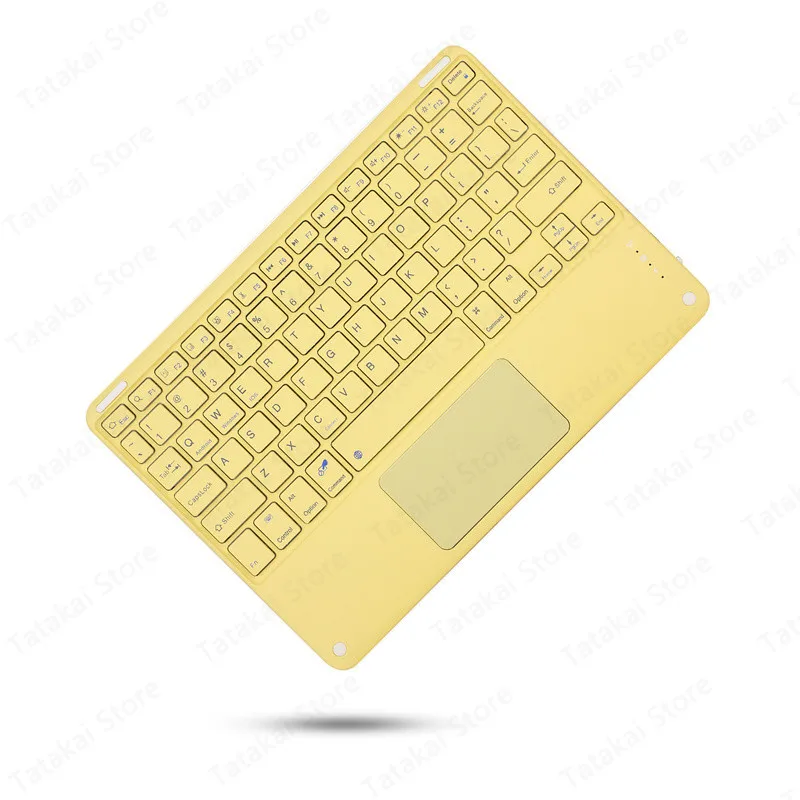
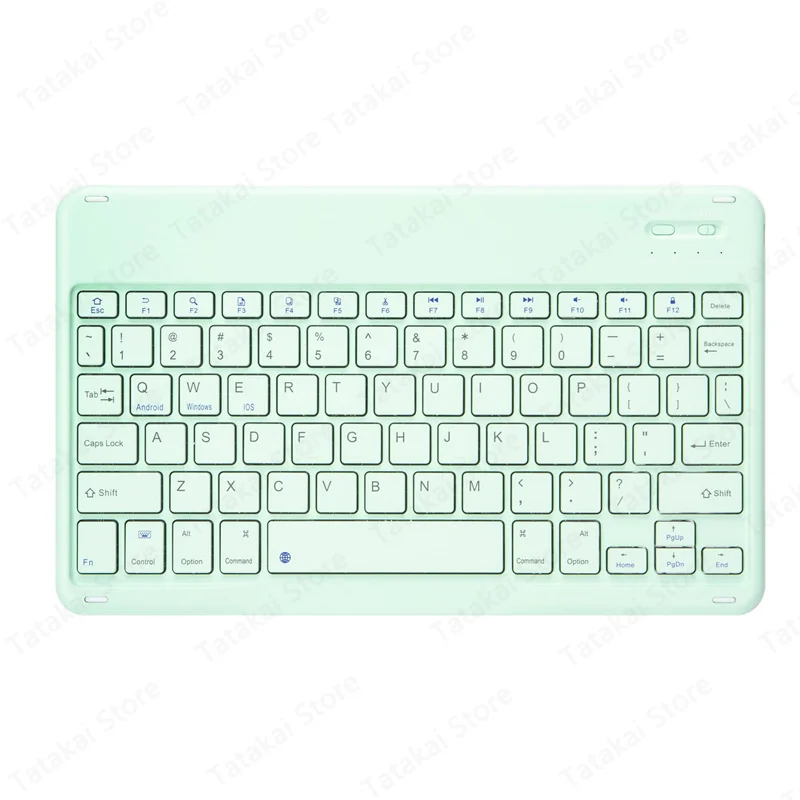
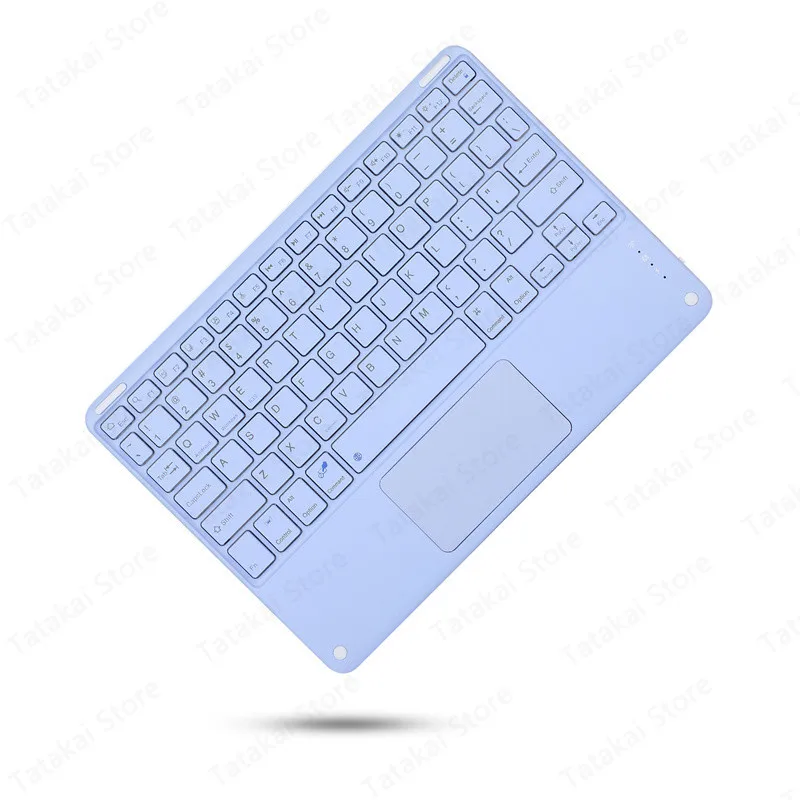
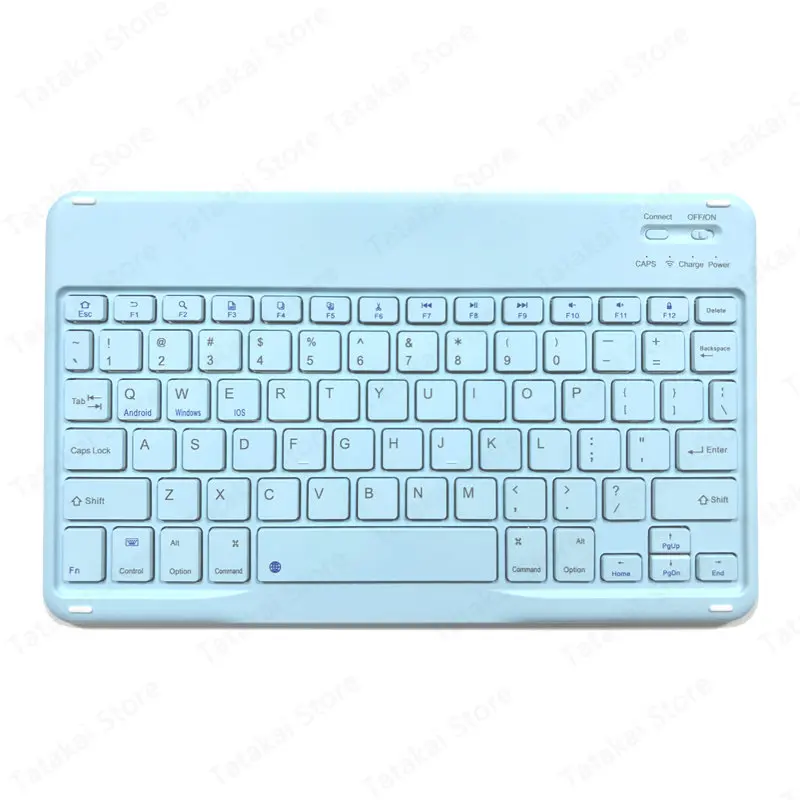
Telo osi : španielčina
španielčina
kórejský
japonský
ruský
arabčina
taliansky
portugalčina
nemecký
Hebrejčina
Americká angličtina
French(QWERTY)
Množstvo :
 Customer Service
správa
Zahrňte porušenie autorských právŠtandardná doprava zadarmo. Pozrite si podrobnosti
Odhaduje sa medzi Sat, May 30 a Thu, Jun 4
Tovar môžete vrátiť do 30 dní od prevzatia. Pozrite si podrobnosti
Nakupujte s dôverou

Záruka vrátenia peňazí
Získajte späť objednaný tovar alebo peniaze. Zistite viac
About this item
Získané z IN SPRING 3C
Seller assumes all responsibility for this listing.Číslo položky: 18386940
Item specifics
Vlastnosti
Other, Mirror, Skin-Like
Os
Iné, zelená os, červená os
Numerická klávesnica
Nie
Pripojenie
Bezdrôtové, Bluetooth, Iné
Veľkosť
<100 mm, > 130 mm, 100 mm – 120 mm
Item description from the seller
Features:
1.Standard 3.0Bluetooth-compatibleSolution
2.Effective distance 10 meters
3.Magneticallykeyboard
4. Battery:Rechargeable lithium battery
Design for IOS Windows Andriod Tablet/for iPhone Phone
Note.If you use Bluetooth-compatible mouse and touch keyboard, the ipad system must be upgraded to IOS13 or above 2. After the upgrade, open and set up an auxiliary function. You can use the mouse as soon as you open the auxiliary touch 3. Bluetooth mouse and keyboard can be connected to ipad at the same time.
Tablet on the product picture are NOT INCLUDED.
-Available language of Keyboard
Russian,Korean,Spanish, French(QWERTY), German, Italian, Japanese, Portuguese, Arabic, Thai, Hebrew,please contact us before order or leave a message If you need any other language of keyboard.
you can switch all of other language you need after setting language and keyboard on your tablet.
Please press ' Ctrl+Space' or 'Shift+ Space' switch language
-Bluetooth-compatiblekeyboard connection method:
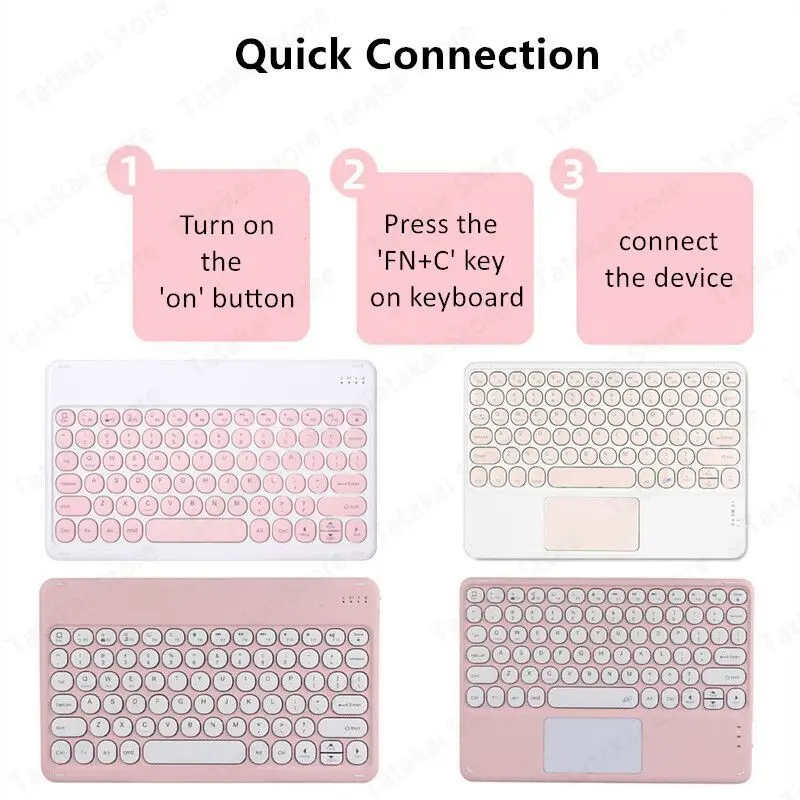
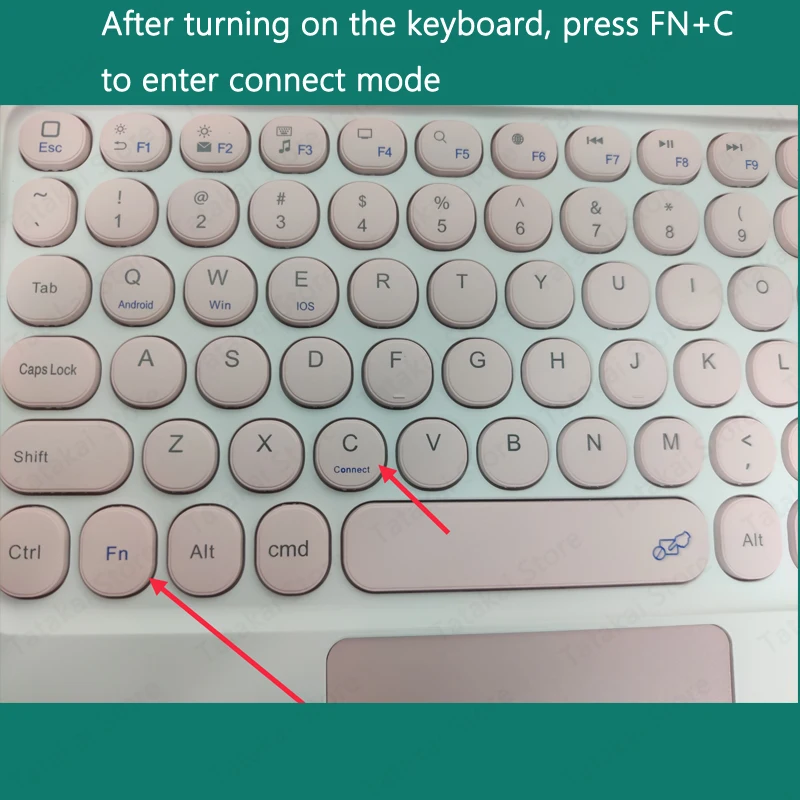
1: Turn on the "on" button in the keyboard
2: Press the "FN+C" key on the keyboard
3: Turn on theBluetooth-compatibledevice on tablet you need to connect to
Bluetooth-compatible keyboard connection method
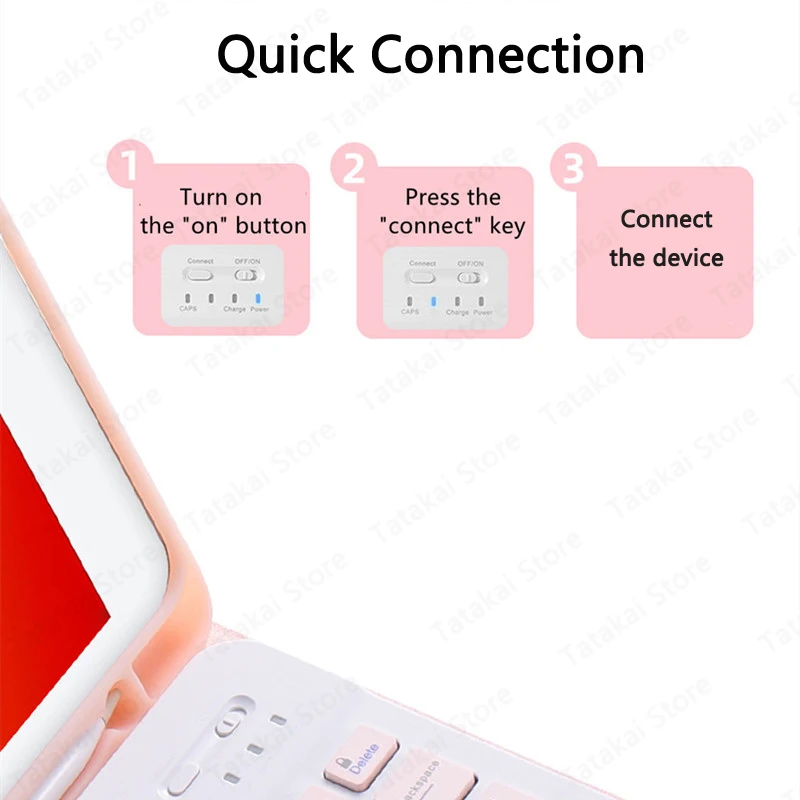
1: Turn on the "on" button in the keyboard
2: Press the "connect" key on the keyboard
3: Turn on the Bluetooth-compatible device on tablet you need to connect to
4: Find it in "my device" and click "connected"




 4.4 z 5 na základe recenzií 9,249